
The Market
The island building you trade with other captains through.
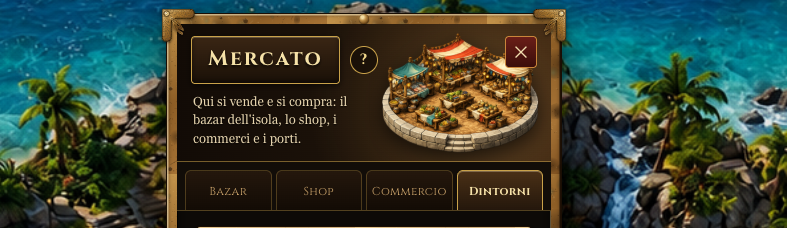
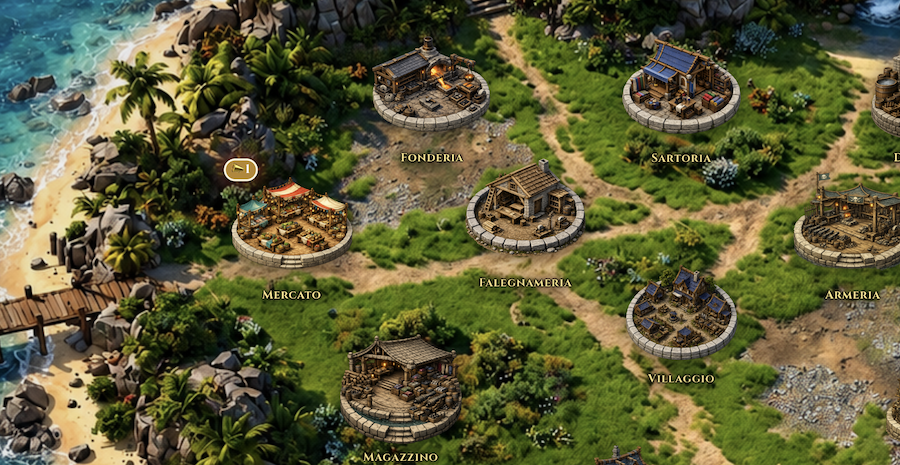
Open the Market by tapping the building on your island. It is split into tabs that unlock as the building levels up: while a tab is locked it shows the level it needs (Lv.N).
 BazaarYour items for sale on the island, and visitors' stalls.
 ShopItems, recipes and clothes at a fixed price, sold by the game.
 TradeResource transport orders entrusted to the Merchants.
 NearbyWhat the bazaars of nearby islands are selling.
 PortsMerchants only: their listings at the NPC Ports' bazaars.
Your island's Bazaar
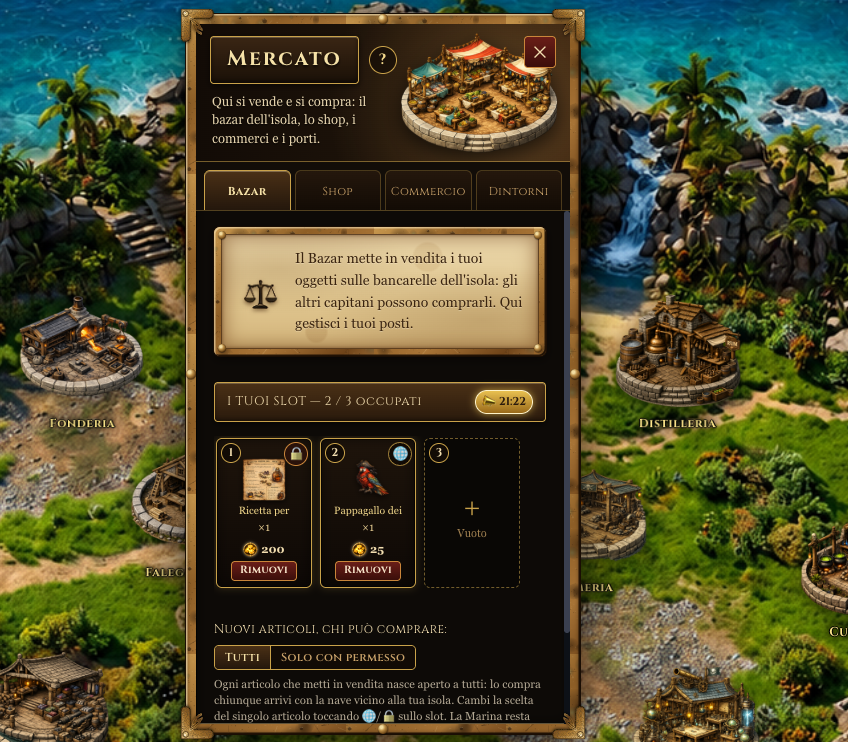
Each slot is a place to sell: tap an empty slot, pick the item from your warehouse, the quantity and the price in doubloons. When someone buys, the doubloons land in the island's treasury; Remove sends the item back to the warehouse. The Market's level gives up to 3 slots; more can be bought with rubies and are yours for good.
Below your slots you find visitors' stalls: Merchants can sell from their own ship moored at your island, and you buy paying from the island's treasury. The red badge on the building counts the open stalls.

Who can buy your items
You decide item by item, with the small button at the top right of each slot:
- 🌐 Everyone — anyone who sails close to your island can buy it.
- 🔒 Permit only — only captains with a permit from your Customs, your brotherhood's members and, unless you are a pirate, the Navy can buy it.
The «Items you put up for sale from now on: who can buy them?» box below the slots decides how the items you put up for sale from then on start out; changing it does not touch the ones already on display.
Promoting your Bazaar
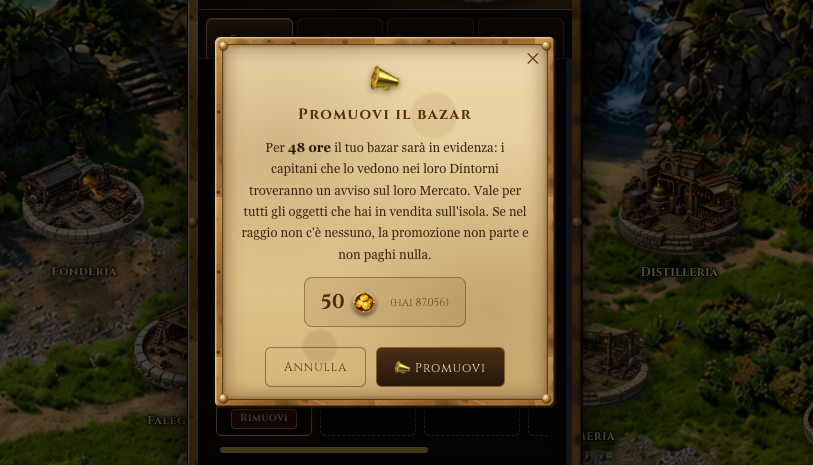
The 📣 button on the «Your slots» plank features your whole Bazaar for a while, paid in doubloons from the island's treasury. Captains who see your island in their Nearby tab find a 📣 notice on their own Market, and your bazaar at the top of the list.
- You need at least one item for sale on the island.
- When you confirm you find out how many captains you reached.
- If nobody has your island in range, the promotion does not start and you pay nothing.
- While it runs, the button turns into a golden seal showing when it ends.
Buying from another player's Bazaar
You buy by sailing there:
- While sailing, draw near the player's island.
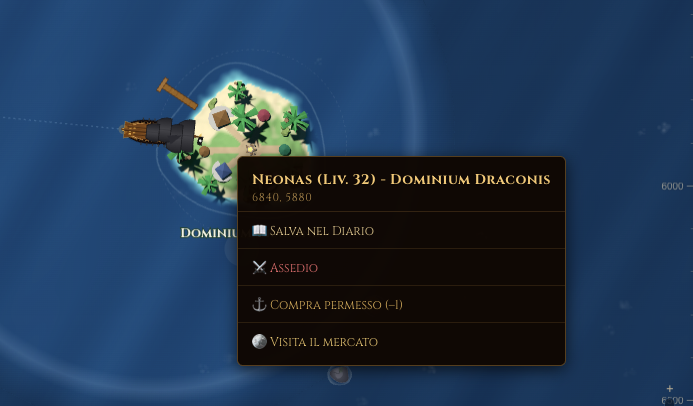
- Right-click the island (on a phone or tablet: keep your finger pressed on the island for half a second).
- In the menu that opens choose 🪙 Visit the market.
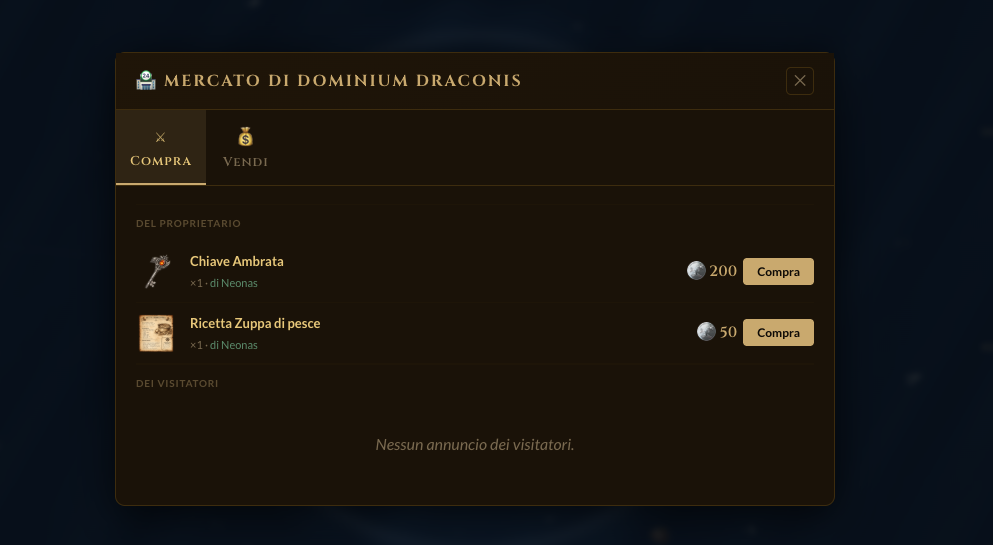
- In the Buy tab press Buy on the item you want.
You do not need to moor: being close to the shore is enough. You pay with the doubloons in the ship's chest and the item goes into the hold, so you need a free spot. Items the seller reserves for permit holders show a 🔒 instead of «Buy».
«Visit the market» appears on the islands where you can buy something: those with at least one item open to everyone, and those you have access to (Customs permit, brotherhood, the Navy on non-pirate islands).
Nearby
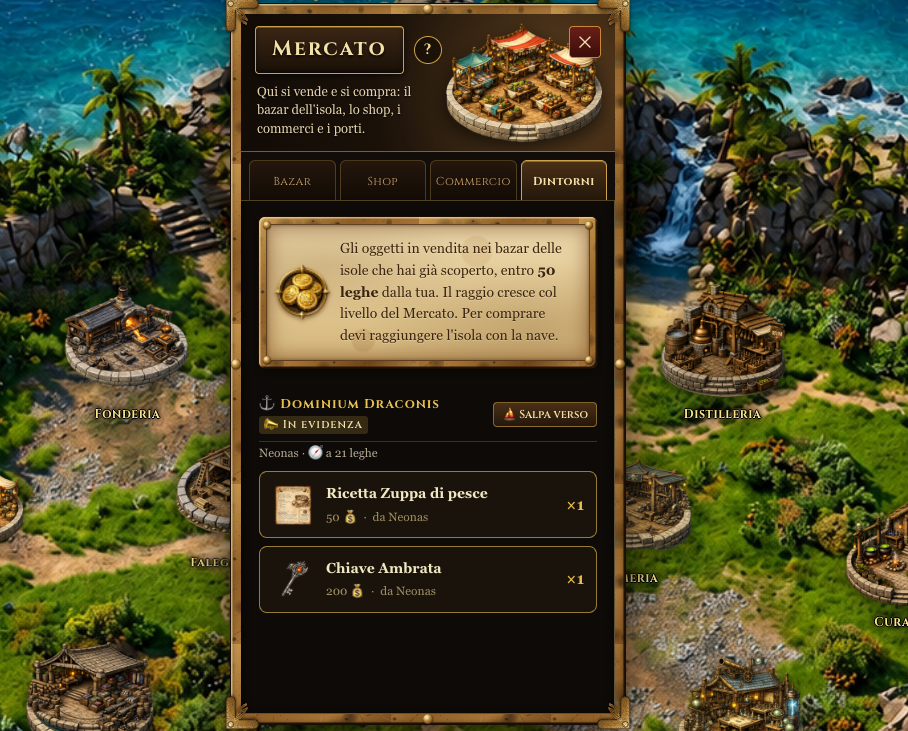
The Nearby tab shows what the bazaars of nearby islands are selling, without having to sail there for a look. The range is measured in leagues from your island and grows with the Market's level. Only islands you have already discovered while sailing appear.
- For each island: owner, distance, items, prices and seller.
- ⛵ Sail to sets a course for that island.
- A 🔒 marks the items reserved for Customs permit holders.
- Promoted bazaars sit at the top marked 📣 Featured; the golden badge on the Market building goes out when you open Nearby.
To buy, though, you have to get there by ship (see above).

Shop, Trade and Ports
- Shop — items, recipes and clothes at a fixed price, paid with the doubloons in the island's treasury.
- Trade — transport orders: you ask for resources from a Port and a Merchant carries them to their destination. From Market level 4 the resources cost a little less with every level.
- Ports — only Merchants see it: it sums up their listings at the NPC Ports' bazaars, with how much they sold and the doubloons waiting to be collected (collected at the port, by ship).